Start here
Over the Hill Beginner Guide: Start Playing on Steam
Start Over the Hill through Steam, learn what its off-road adventure is about, and choose a starting region for solo exploration or online co-op.
Updated
- Guides
- 45
- Topics
- 3
- On this page
- 7
Explore the Wilderness at Your Own Pace
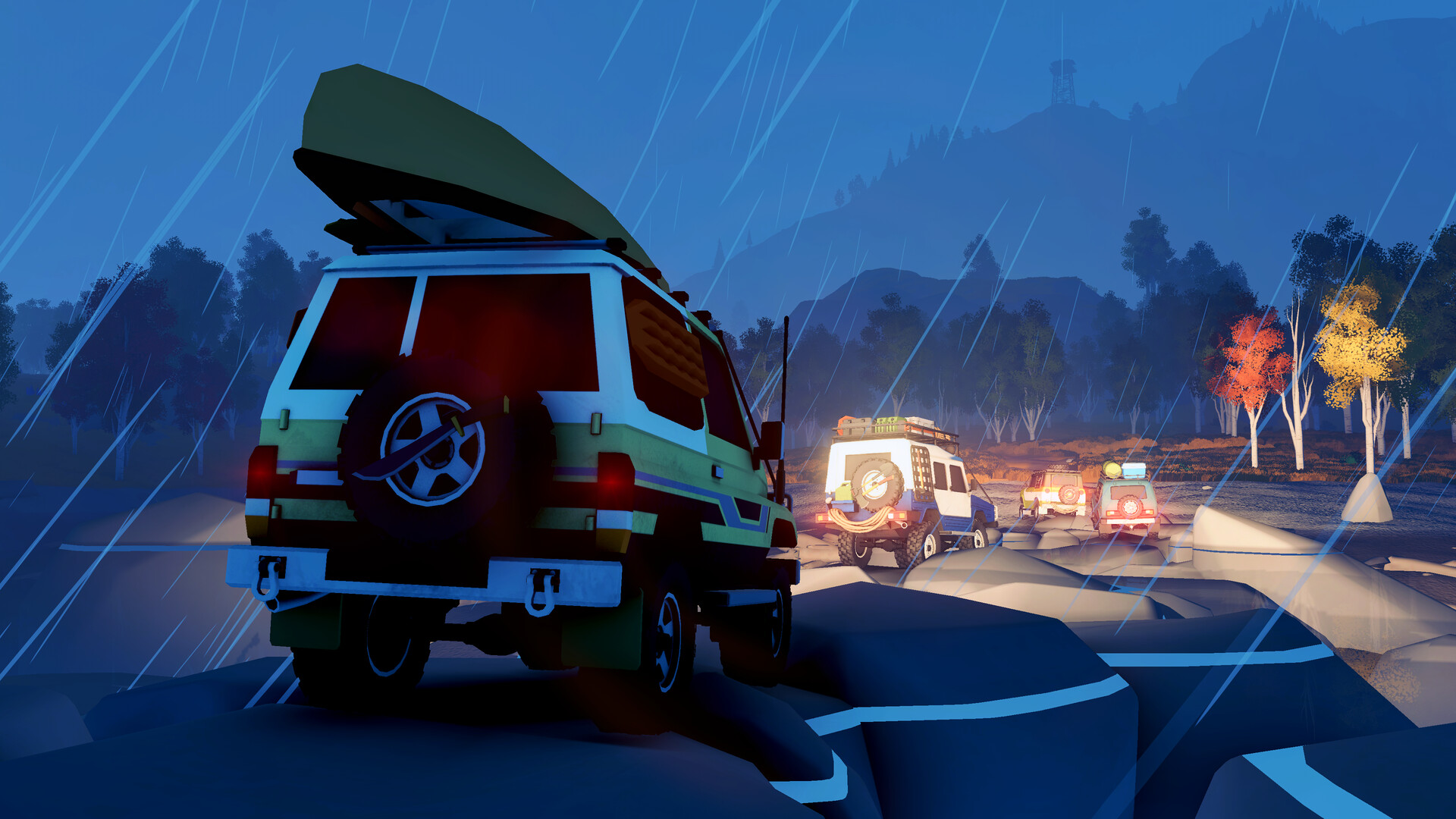
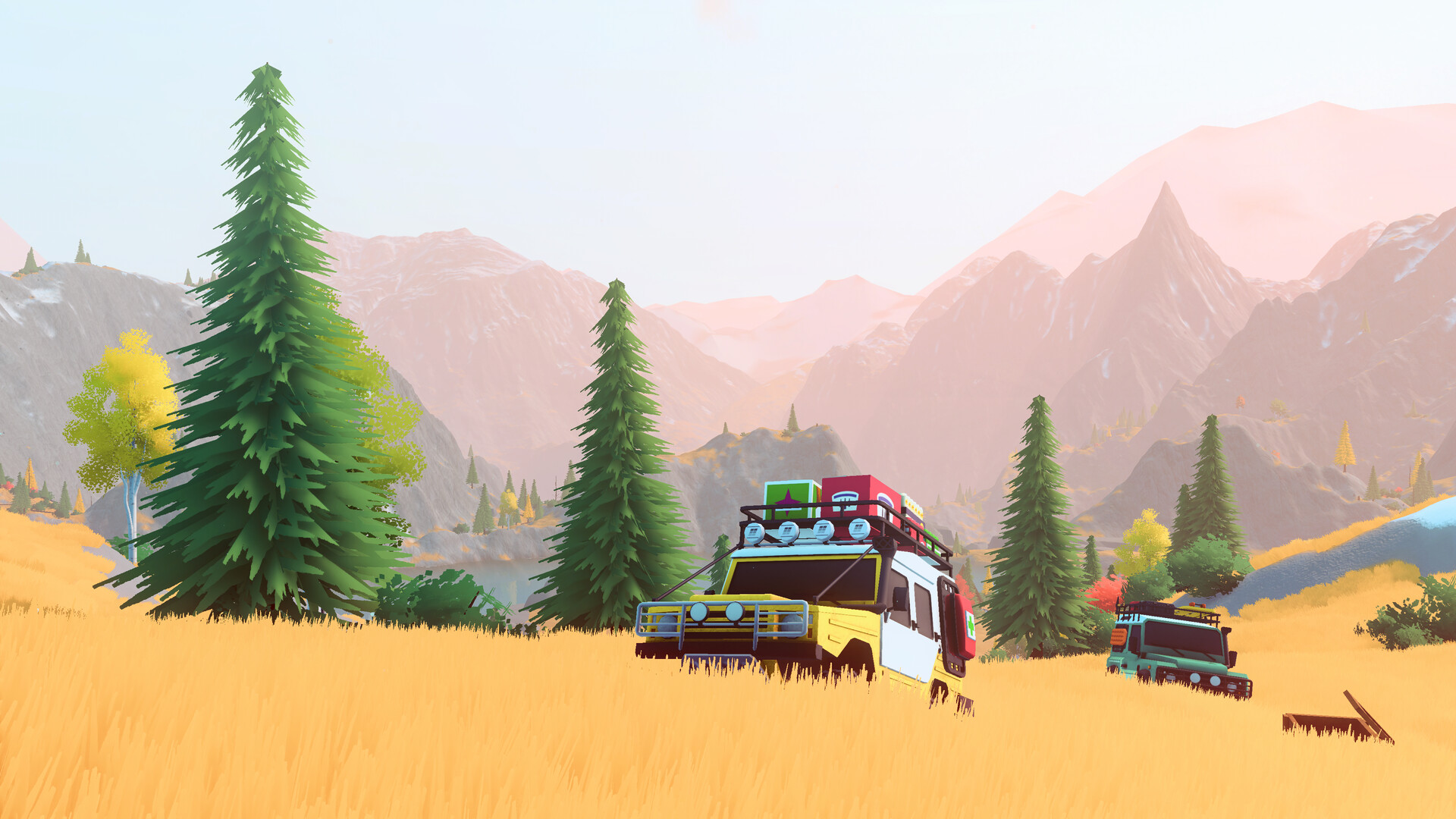
Over the Hill is Funselektor Labs Inc.'s off-road driving and exploration game, where you explore wilderness, complete challenge trails and improve vehicles. Start with the paid full game on Steam, then play the tutorial before heading out alone or with friends.
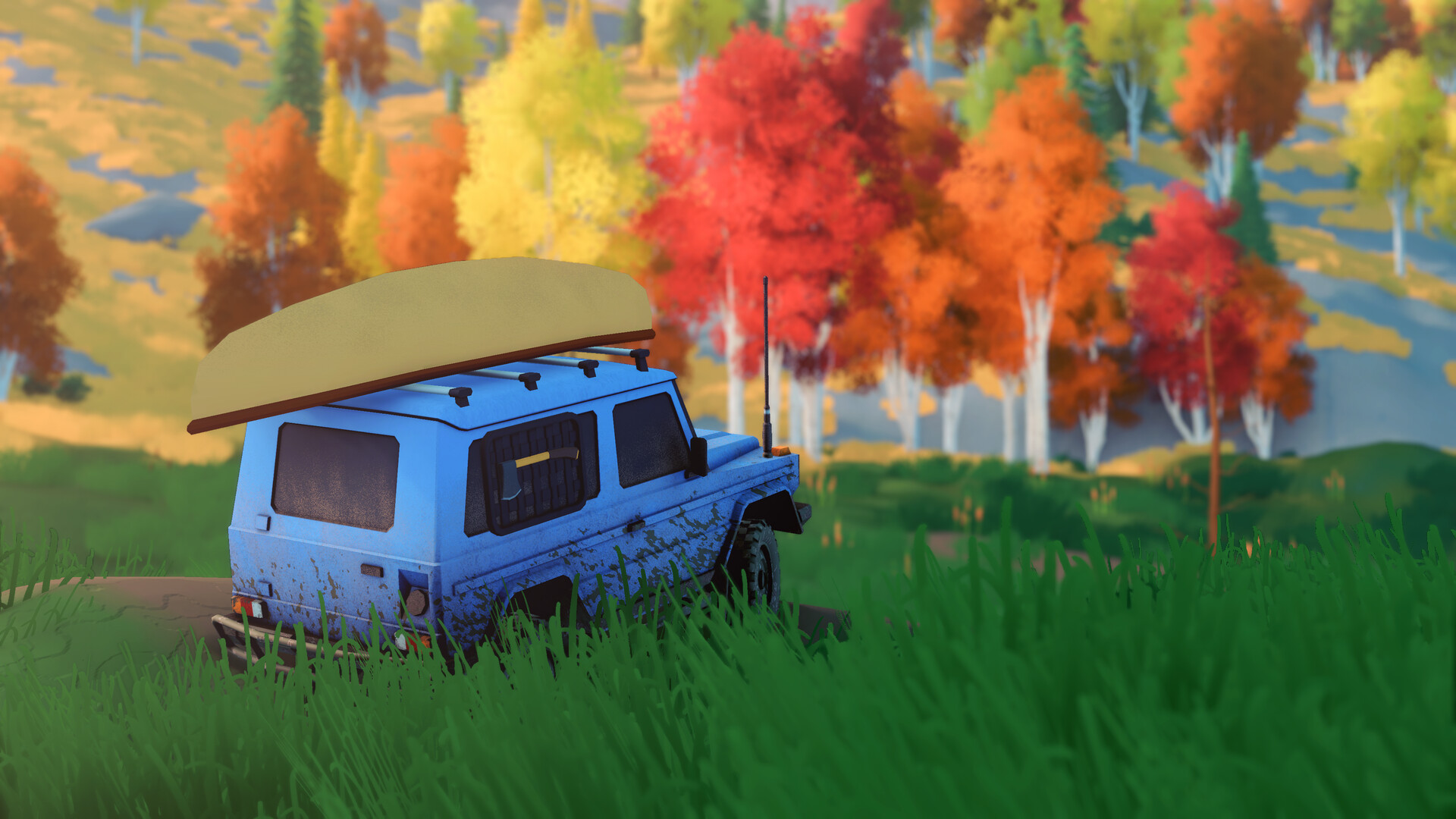
Your main objective is to find your way through the landscape and discover what lies along the route. Cabins, scenic viewpoints, natural landmarks and wildlife give you reasons to stop, while challenging terrain calls for careful driving and recovery equipment. Vehicle unlocks and upgrades provide goals to work toward as you explore.
Choose Your Way to Play
Over the Hill supports Windows PC and Linux through Steam, along with Steam Deck and GeForce NOW. Choose the supported route that fits your setup before getting the game. If you plan to install it on a computer, compare your hardware with the requirements on the Steam page before purchasing.
The base game is a paid purchase on Steam. The soundtrack and Supporter Edition DLC are separate purchases, so choose the base-game listing when your goal is to begin playing. Check the storefront price for your region before completing the purchase, as regional pricing applies.
- Should I start with the demo or a browser version?
- Use the released full game's Steam purchase and installation route. The Steam Next Fest demo was available before launch; the current store page advertises the paid full game rather than an active free demo or browser-play version.
Get the Game and Begin Playing
- Open Over the Hill on Steam to reach the base game's official product page, with Funselektor Labs Inc. listed as its developer.
- Purchase the base game through its Steam listing to get the released full game at the price displayed for your region.
- Install Over the Hill through Steam to prepare the game for a local session on a supported Windows or Linux computer.
- Launch Over the Hill from the Steam client, which needs to be running for the game to play.
- Complete the tutorial to learn the basics before exploring independently or joining friends; it takes approximately 5 minutes.
Choose a Starting Region
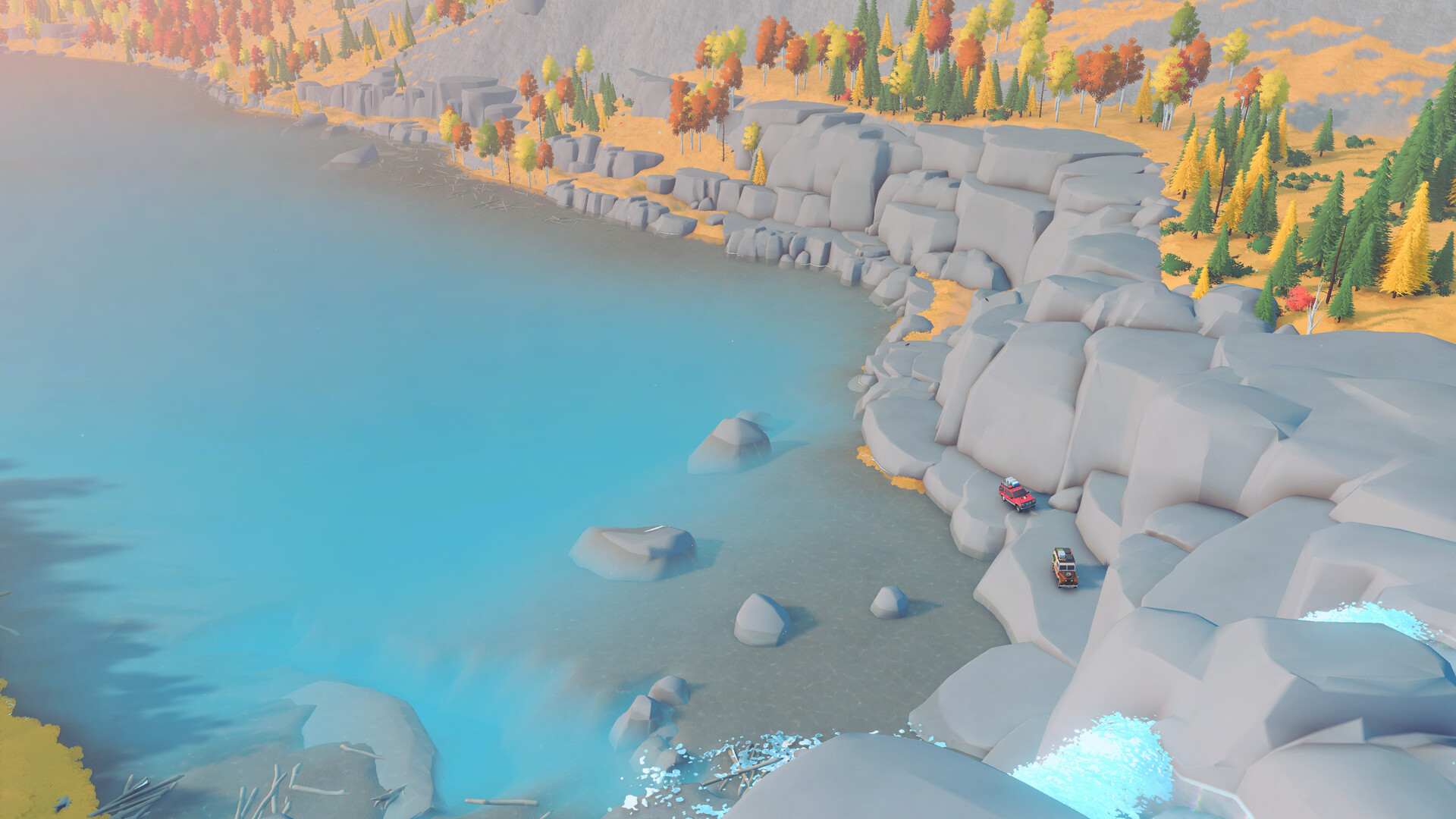
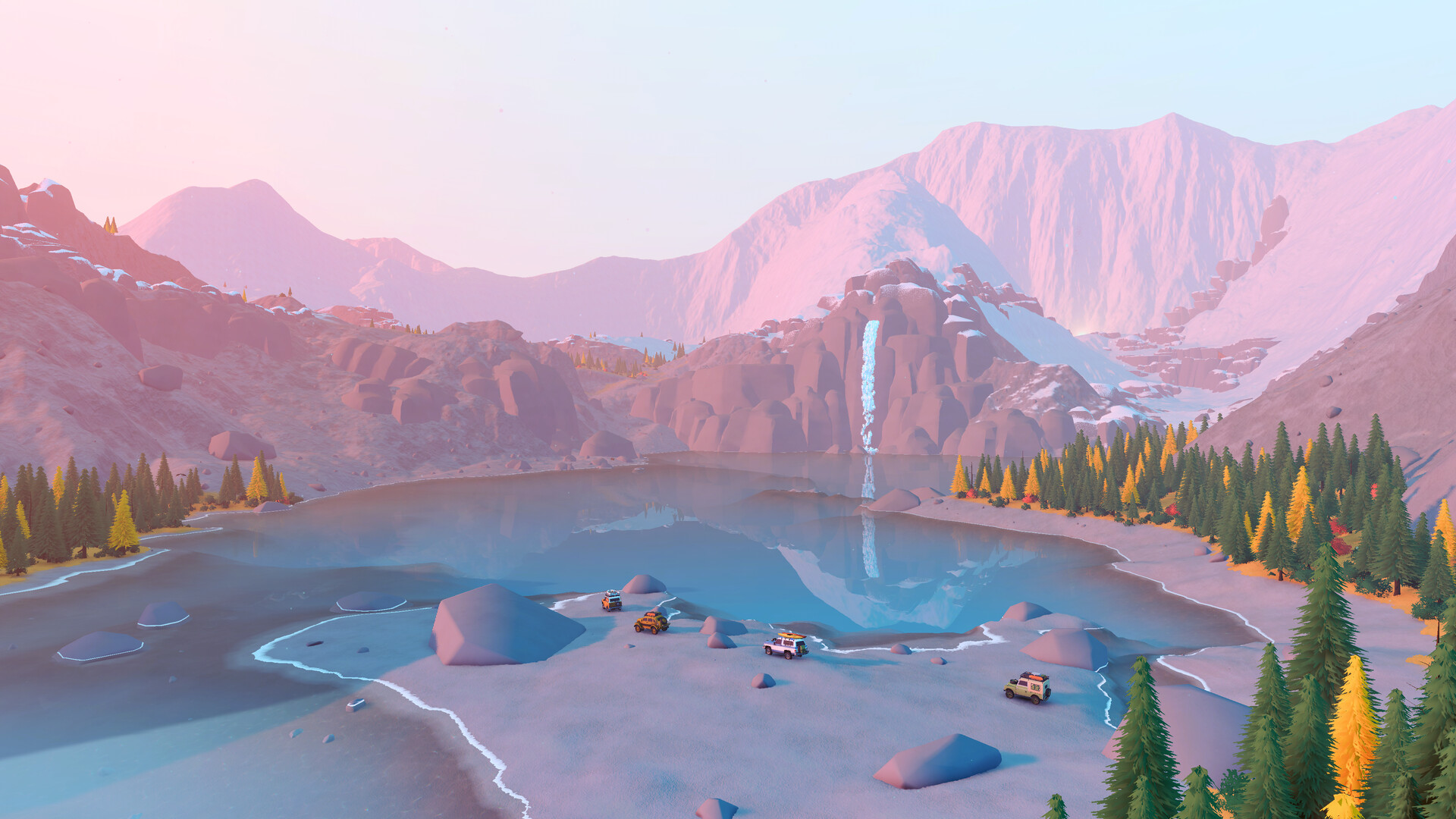
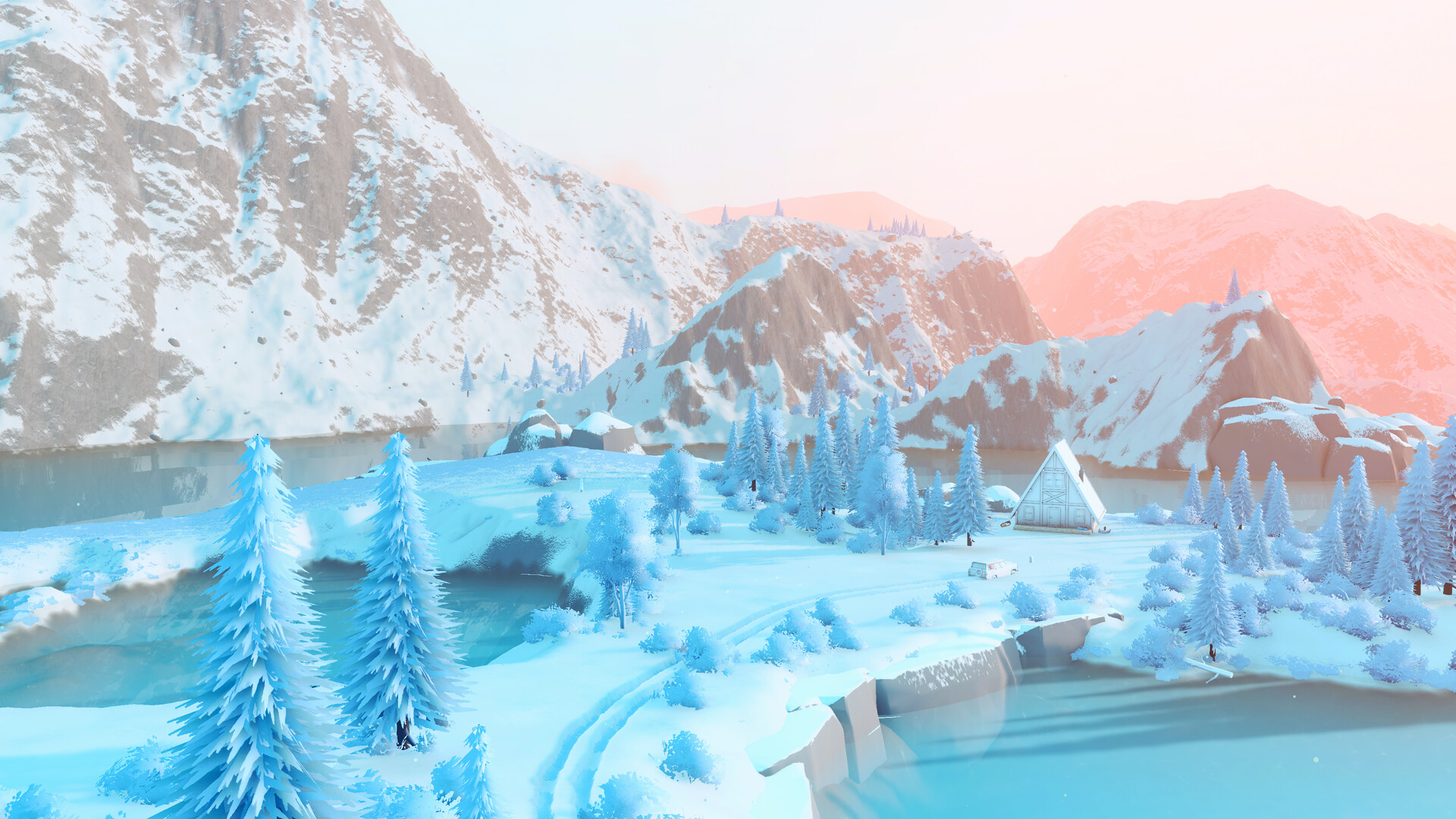
You can begin exploring in Emerald Lake in The Valhallas - Canada or Tassili n'Ajjer Desert in Algeria. Both starting areas are available from the beginning. Choose the landscape you want to explore, then keep your opening trip manageable while you get comfortable with the vehicle.
Emerald Lake's starting cabin is Pavilion Lake Cabin, while Tassili n'Ajjer Desert starts at Porte du Désert Camp. Cabins repair your vehicle, restore equipped tools, reveal nearby points of interest and unlock fast travel points. Make discovering cabins an early priority so you have useful places to return to.
Exit portals open the next area within their region. Reaching the Ferry to the Ridge in Emerald Lake opens Gimli Ridge, while the Tunnel to the Aurès Mountains leads onward from Tassili n'Ajjer Desert. Treat those passages as future destinations while you explore the starting area.
Pick Something You Want to Discover
If you want more vehicles, work toward challenge trail rewards. The Ding, The Protector and The Trailrat are available from the start, while additional vehicles unlock through specific trails. Choose a vehicle reward that interests you and use its trail as a destination for a later outing.
If you want to improve your current vehicle, collect Pebbles and visit the Mechanic. Exploration activities such as discovering crates, cabins and scenic points provide Pebbles, and the Mechanic lets you upgrade, change and customize your vehicle. Spend against a difficulty you have encountered instead of feeling obliged to improve everything immediately.
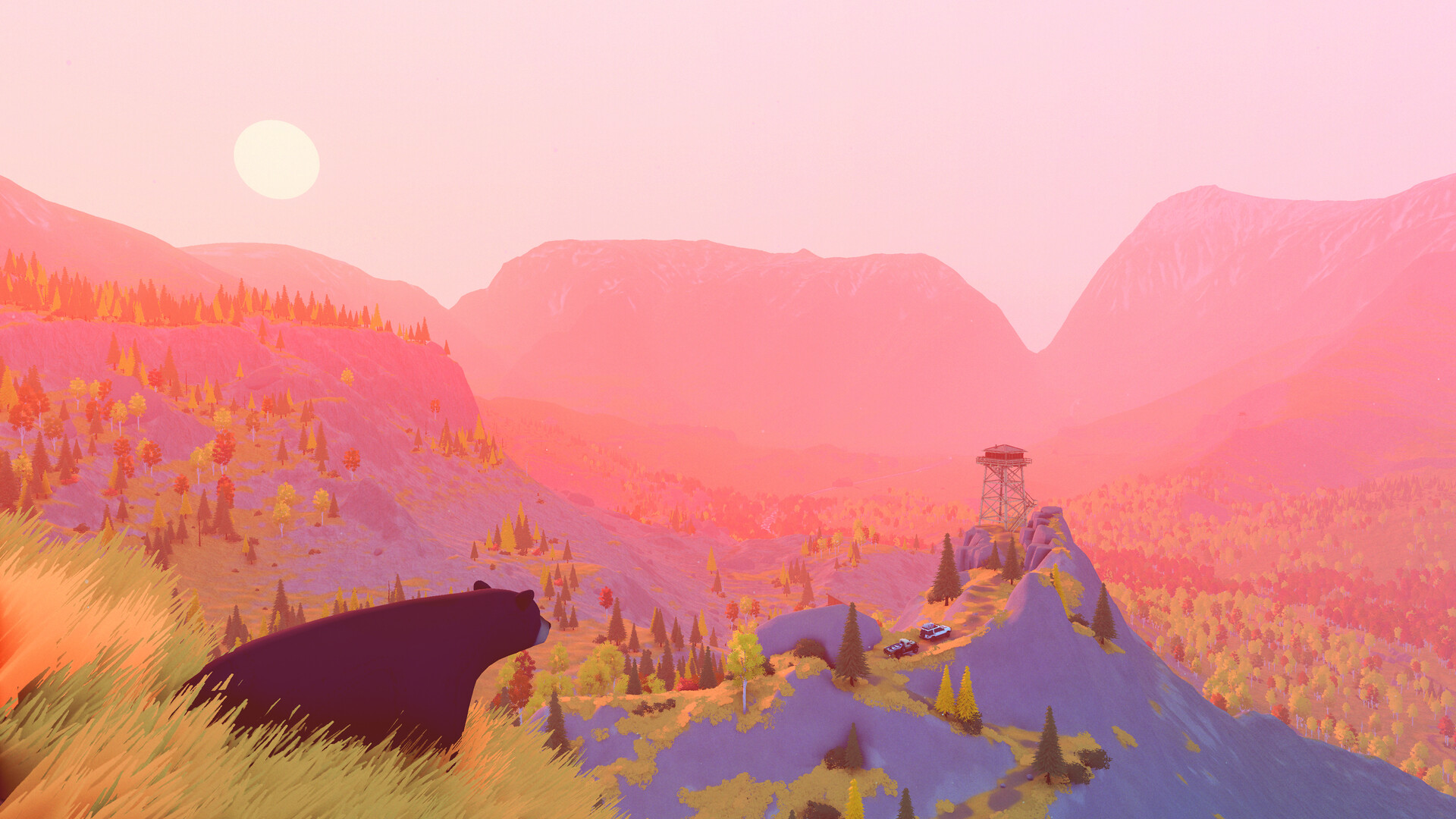
If wildlife catches your attention, use the Safari Camera to photograph animals for your Compendium. Keep the animal centered, unobscured and at a suitable distance when taking a wildlife photo. You can also stop to compose landscape pictures, giving a scenic detour a purpose of its own.
Start Alone or Bring Friends
Single Player lets you explore independently, and online co-op supports up to four players. Playing alone is a supported way to begin, so you can learn the basics before arranging a group trip. With friends, you can tackle routes together and help each other overcome obstacles.
For an online outing, the host creates a room through the Server Browser and chooses its player limit, privacy, server region and mod setting. Private rooms use Join by Code with the host's room code. Agree on a starting area before heading out so everyone knows where the group intends to explore.
Keep Your Opening Outing Simple
After the tutorial, aim for a nearby cabin or point of interest before committing to an ambitious crossing or climb. Check your equipped tools at the Mechanic and take time to become comfortable with the vehicle. If you get stuck and cannot recover with your tools, selecting a discovered cabin on the map gives you a way to respawn.