Gameplay
Over the Hill Sasquatch: Search Emerald Lake at Night
Find where to search for Sasquatch in Over the Hill, which night and weather conditions to try, and how to take a valid Safari Camera photo for Pebbles.
Updated
- Guides
- 45
- Topics
- 3
- On this page
- 6
Search Emerald Lake at Night
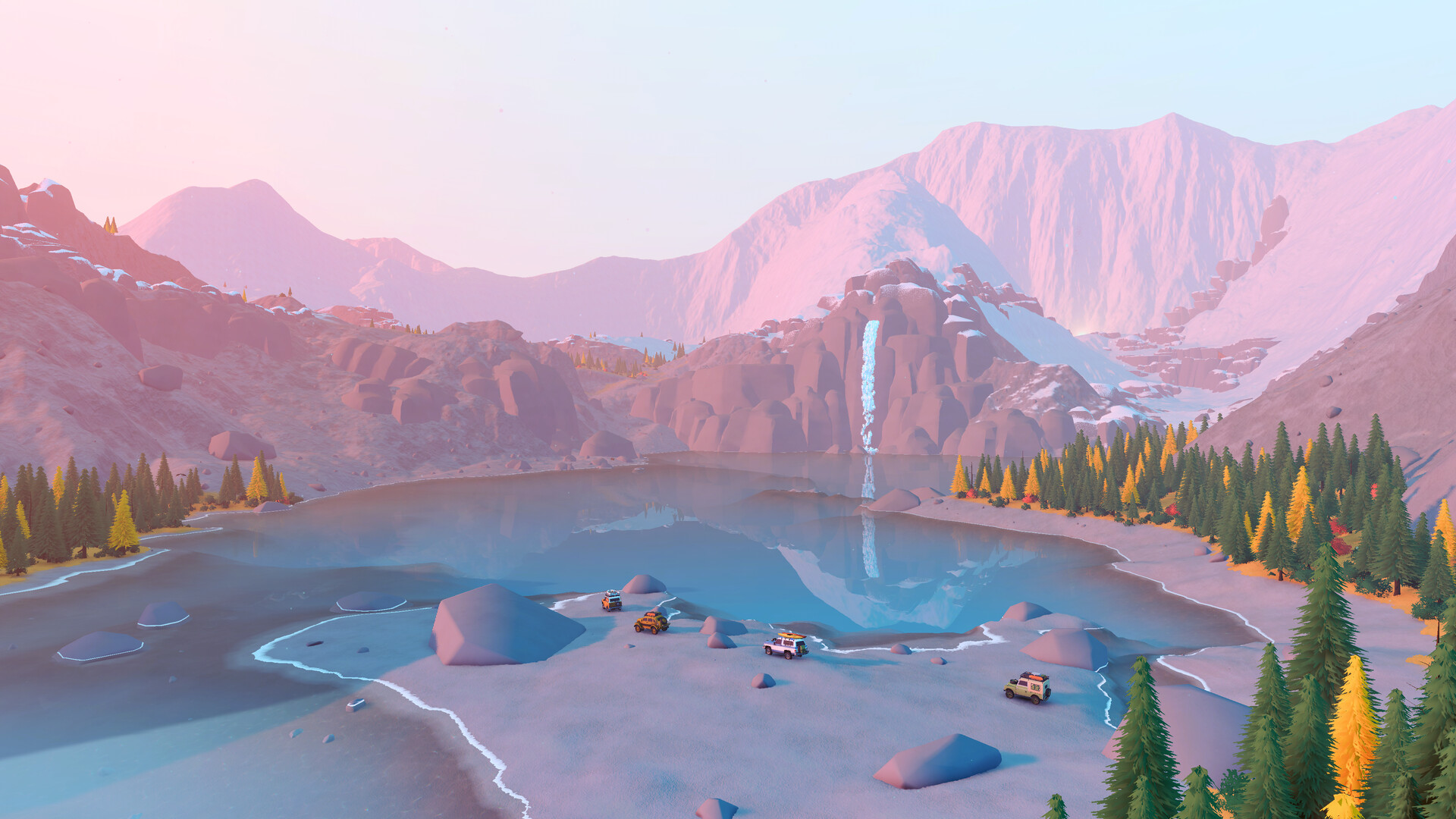
Look for Sasquatch in Emerald Lake, Canada's starting area, at night; aim for remote forest in dry weather. Treat its mapped candidate point as a place to search, without expecting a guaranteed sighting when you arrive.
Match the Time and Habitat
Plan your search during the game's 20:00–05:00 night window, which matches Sasquatch's listed active period. Dry weather is the community guide's recommendation for the hunt. Matching these conditions helps focus your search, but does not guarantee that Sasquatch will appear.
Remote Forest is a habitat tag, rather than a distance you can measure from the nearest road or cabin. Dense trees can be a useful visual cue when deciding where to investigate, but they do not define the habitat's boundary. Keep your search anchored to Emerald Lake and its candidate Sasquatch point.
Search for Sasquatch and Take the Wildlife Photo
- Choose Emerald Lake in The Valhallas - Canada as your search area. It is available from the start, so you can begin without unlocking a later area.
- Wait until the in-game time falls within 20:00–05:00. This puts your search inside Sasquatch's listed nighttime activity window.
- Check Emerald Lake's candidate Sasquatch point, preferably in dry weather. The reference records one candidate point, giving you a place to investigate without promising an animal will be waiting there.
- Approach without sounding the horn. The horn alerts animals on the ground within 30 m, so keeping it quiet avoids disturbing nearby wildlife.
- Select the Safari Camera from the radial menu when you spot Sasquatch. This is the wildlife camera used to photograph animals for the Compendium.
- Take the photograph with Sasquatch centered, unobscured and neither too close nor too far away. These are the requirements for a valid wildlife photograph that can register in the Compendium.
Photo Reward and Achievement Clues
Sasquatch is classified as legendary, and its first recognized Safari Camera photograph is listed as worth 100 Pebbles. It qualifies for the legendary-animal photography requirement, and the achievement reference also includes Sasquatch among qualifying rare-animal targets. Both requirements call for a photograph, so aim to register the wildlife discovery when you find it.
If the Search Point Is Empty
A candidate marker is a search reference, not a live animal detector. If nothing appears, note the time, weather and location you checked before trying again. Avoid building your next attempt around an assumed fixed waiting period or treating an engine shutdown as a spawn trigger.
Use camping to advance time quickly if you want to change the timing of your visit. Treat it as a way to adjust your search conditions, without expecting it to force Sasquatch to appear. If you are playing with friends, bring the party together before setting up camp.
If the Photograph Does Not Register
Check that you are using the Safari Camera rather than the separate free-camera Photo Mode. Reframe with Sasquatch centered and clear of scenery, then adjust your position if you are too close or too far away. Check the Compendium after the photograph to see whether the encounter registered as a wildlife discovery.
If the wildlife photo registers but an achievement does not, update the game and reload before considering a fresh run. The first post-launch patch fixed some achievements that failed to unlock for former Next Fest demo players. If the problem continues, include the achievement's name and whether your save began in the demo when reporting it.