Gameplay
Over the Hill Camps and Cabins: Rest and Fast Travel
Learn what camps and cabins do in Over the Hill, how to rest through darkness and bad weather, restore your vehicle and tools, and use cabin fast travel.
Updated
- Guides
- 45
- Topics
- 3
- On this page
- 8
What camping and cabins do for your trip
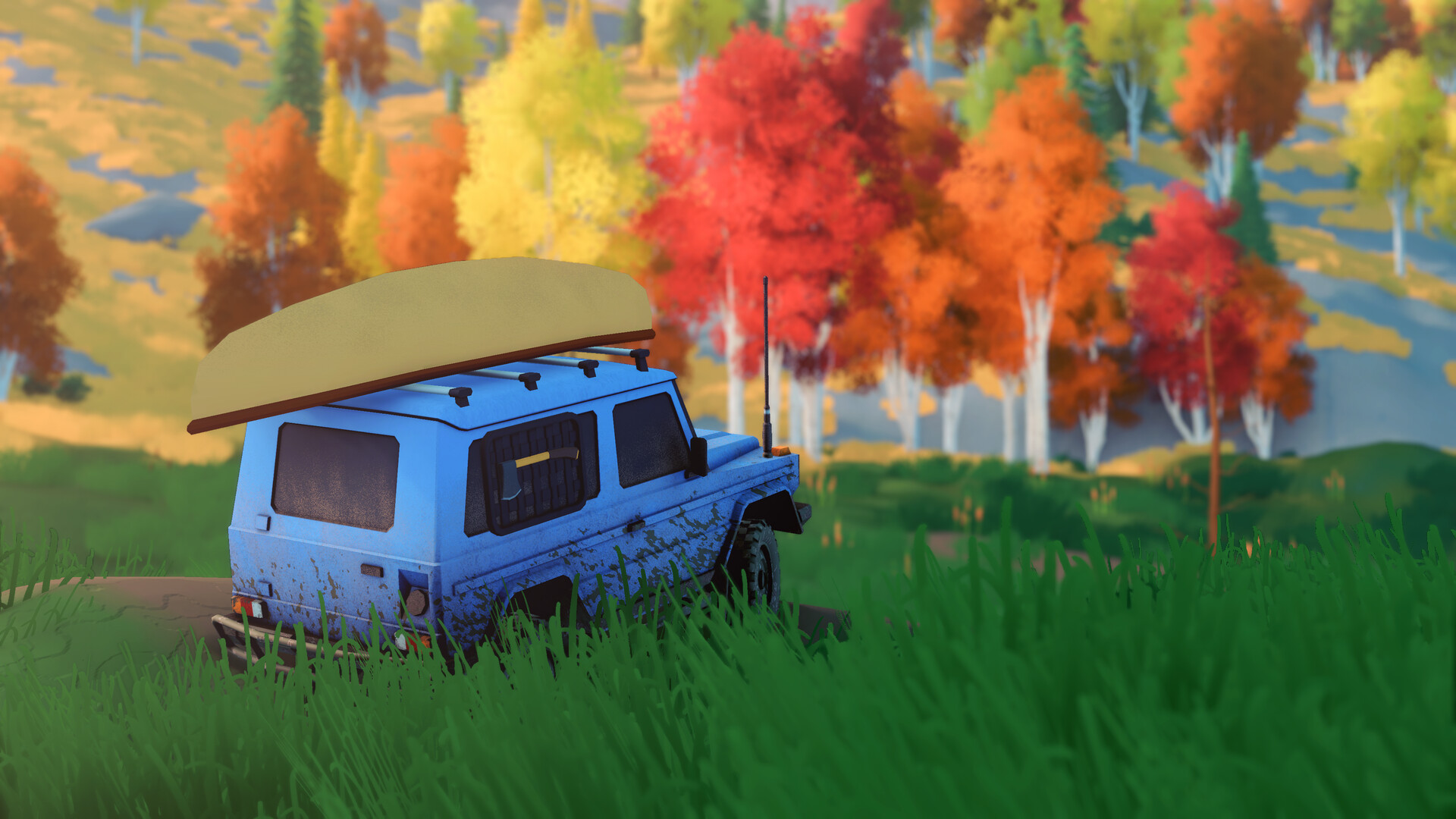
Camping in Over the Hill quickly advances time and slightly repairs your vehicle, helping you wait through unwanted darkness or weather. Cabins provide checkpoints, vehicle repairs, restored equipped tools, nearby map information and fast travel destinations.
Use cabins to repair, resupply and explore
A cabin's camping area fully repairs your vehicle and cleans off accumulated dirt. Reaching a cabin also restores your equipped tools, making it a useful destination after a difficult stretch of driving. Plan a cabin stop before taking on another demanding route if your vehicle or supplies need attention.
Discovering cabins reveals nearby points of interest and unlocks new fast travel points. Open the map after arriving to see the surrounding area and decide what to investigate next. A cabin can therefore be both the destination of your current outing and the starting point for the next.
Cabins can also pay a one-time Pebble reward: Birch Grove Hut, for example, gives 10 Pebbles. That discovery reward is separate from using a cabin for repairs or returning by fast travel. Visit new cabins to expand your travel options while collecting their exploration rewards.
Rest at a cabin's campsite
Enter the campsite at a cabin to rest and advance time, which can help you wait through the night.Playing this video connects to YouTube.
Choose Continue to Rest when you want more time to pass before returning to your trip.Playing this video connects to YouTube.
- Exit camping with E on a keyboard, B on an Xbox controller or Circle on a PlayStation controller to return to driving.
Set up a temporary campsite on the trail
Your vehicle starts with 1 tool slot and can carry up to 4 tools after Tool Slot upgrades. Make room for the camping kit when deciding what equipment to bring. Consider whether waiting for different conditions will matter more on this trip than carrying another recovery tool.
- Choose the camping kit in the Mechanic's Tools menu so you can establish a temporary campsite during exploration.
- In co-op, gather every party member close before camping so the group meets the requirement to set up camp.
- Open the radial menu with Q on a keyboard, a right-stick press on an Xbox controller or R3 on a PlayStation controller to access your tools.
- Use the camping kit to set up camp, make time pass faster and slightly repair your vehicle.
- Exit camping when you are ready to continue; use E on a keyboard, B on an Xbox controller or Circle on a PlayStation controller.
Use rest to change the conditions ahead
Daytime runs from 05:00 to 20:00, while night runs from 20:00 to 05:00. Some animals appear only during daytime or night, so resting can help you prepare for a wildlife search as well as a drive. Choose the time that suits your intended activity before heading away from camp.
Camping can help you wait through unfavorable weather, and weather effects accelerate correctly during camping after the post-launch fix. For clear skies, the Cloud Clearing Bell switches the weather to Clear for a set time. Choose rest when you want time to pass, or the bell when clearing bad weather is your immediate goal.
Return to a discovered cabin with fast travel
A discovered cabin is somewhere you can select on the map to respawn, whether you are stuck or simply want to move quickly. Use this return option when recovery tools are unavailable or have not solved the problem. Moving to a cabin from the map also fully repairs and cleans your vehicle.
- Open the map with M on a keyboard, View on an Xbox controller or Create on a PlayStation controller to find your return destination.
- Select a cabin you have already discovered to respawn there and leave your current position.
- Review the map around the cabin before choosing your next destination, using the surroundings revealed by your cabin discoveries.
Starting cabins and camps by area
Use your area's starting cabin or camp as a reference when planning an outing. The names below help you identify that starting location. Make additional cabin discoveries part of your route so you have more places to return to later.
| Area | Starting cabin or camp |
|---|---|
| Emerald Lake | Pavilion Lake Cabin |
| Gimli Ridge | Sunset Landing Cabin |
| Asgard Mountain | Shaughnessy Cabin |
| Tassili n'Ajjer Desert | Porte du Désert Camp |
| Aurès Mountains | El Madraj Base Camp |
When camping or travel will not start
If camp will not start in co-op, bring the party together before trying again. Camping requires every party member to be close by. Agree on a stopping place before anyone continues farther along the trail.
If you cannot respawn while your friends are camping, wait until they wake up. The game prevents spawning while your buddies are resting. Coordinate the rest before someone tries to return to a cabin.
If weather effects do not speed up during camping, update the game before trying again. The post-launch update fixed weather acceleration and a co-op loading issue when taking a portal after camping. For portal travel itself, gather all players close to the portal before going through.